Accurate Landscapes in Seconds with Real Terrain Data

Create Landscapes from Terrain Models
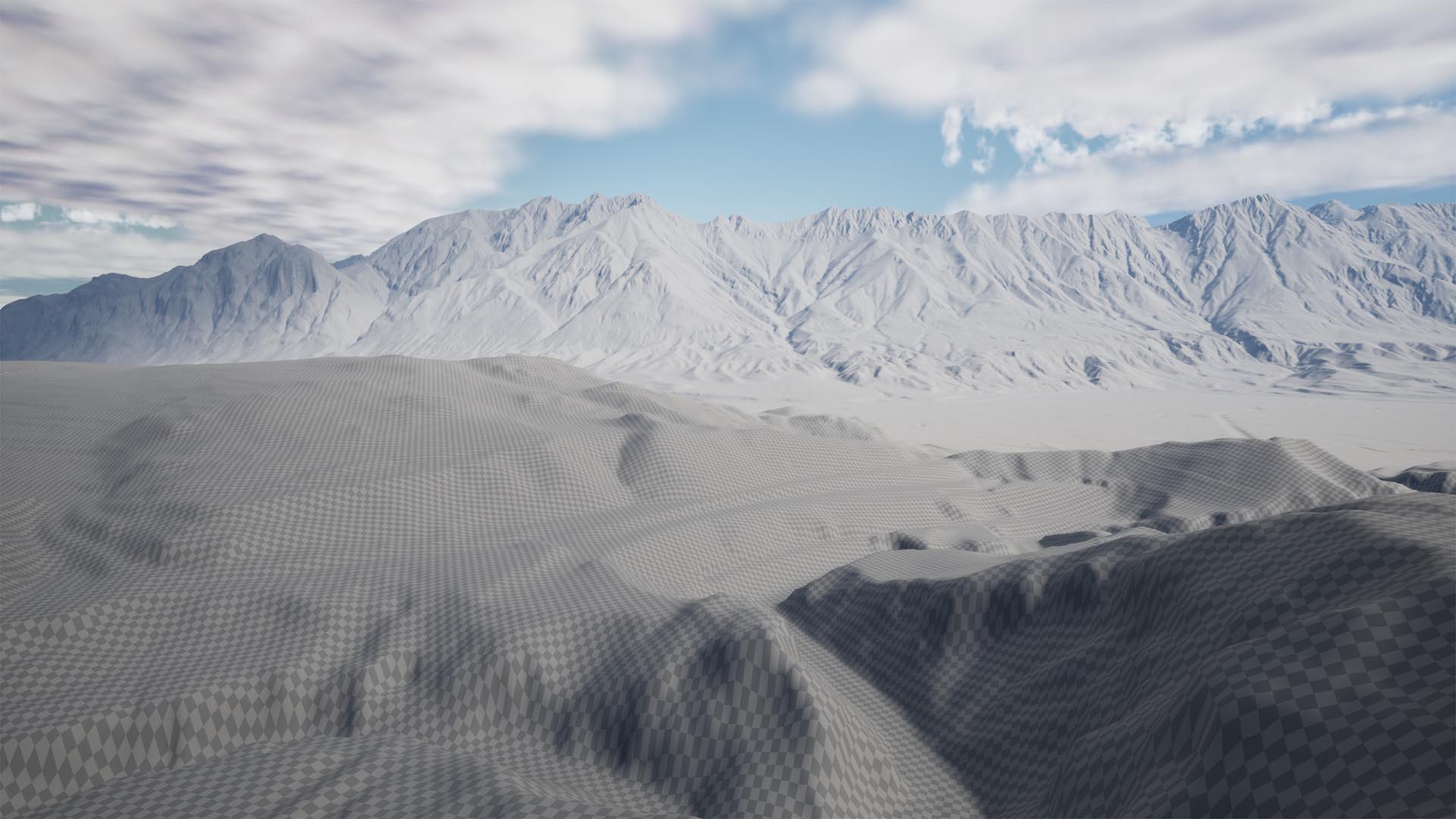
TerraForm PRO imports digital terrain models (DTMs) directly into the Unreal Editor to create native Unreal Engine landscapes, ensuring your terrain is accurately scaled in all dimensions. You can then sculpt, flatten, erode and smooth your landscapes using the Editor's built-in tools.

Add Geographical Referencing

TerraForm PRO reads the geographical information in your terrain data, extracts the projection, datum and scaling, then generates a GIS projection asset and landscape anchor to store it. This ensures the next data you import correlates perfectly with your landscape, and gives you a reference to call real world geographic locations in game.
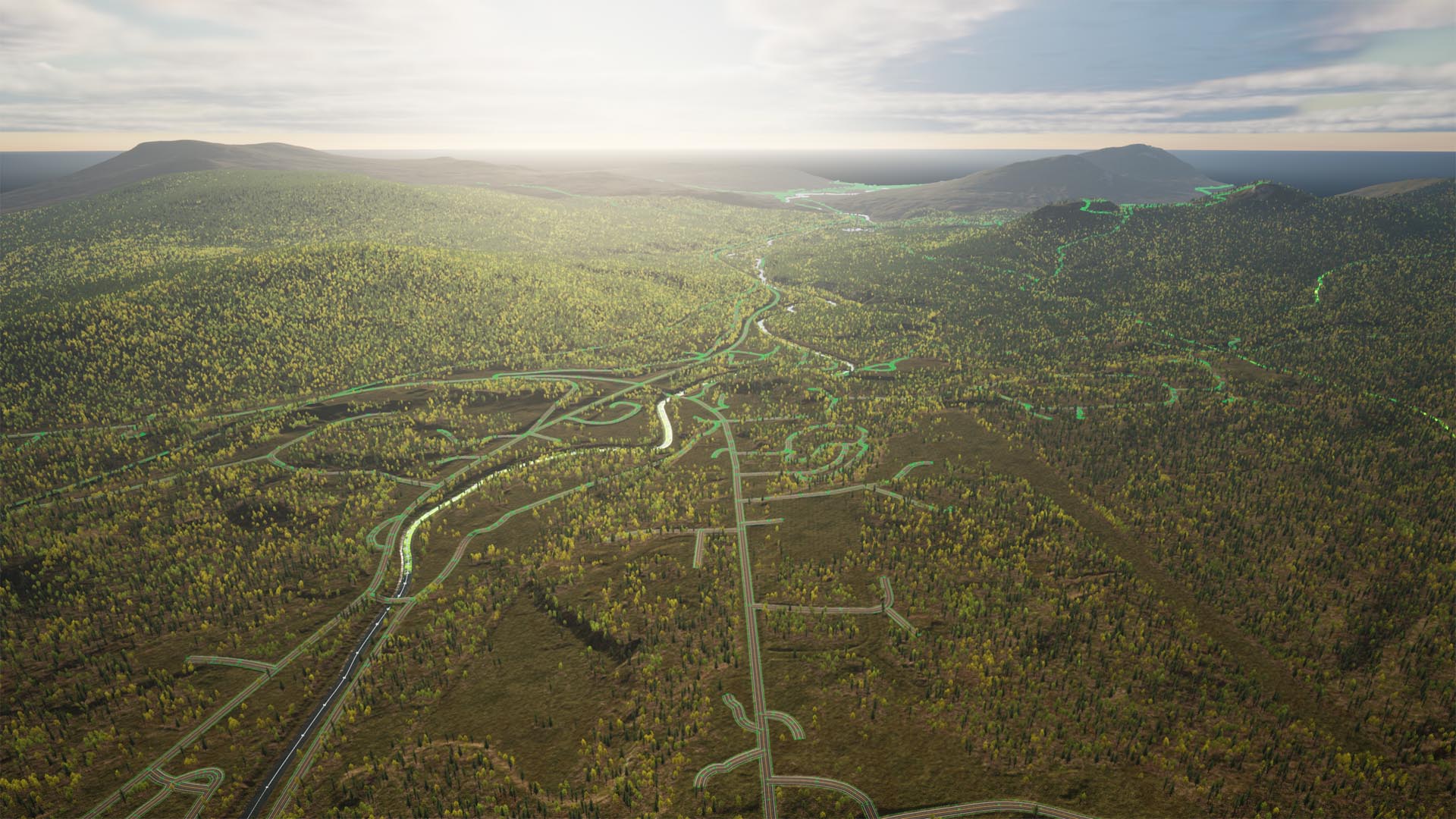
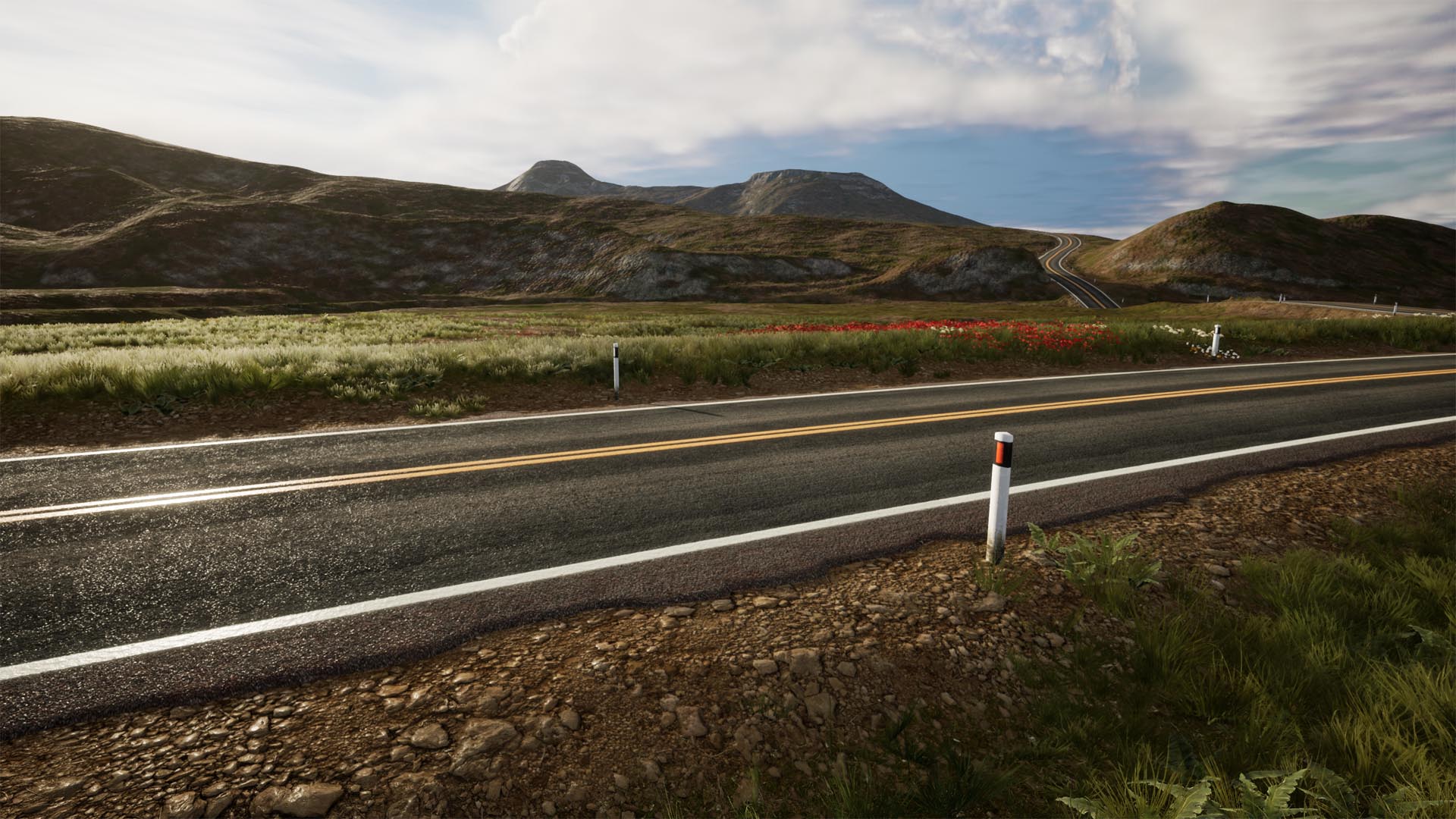
Add Rivers, Roads, Rails & Trails that Blend Seamlessly with your Landscape

Use Maps to Roads, Rails, Rivers and More

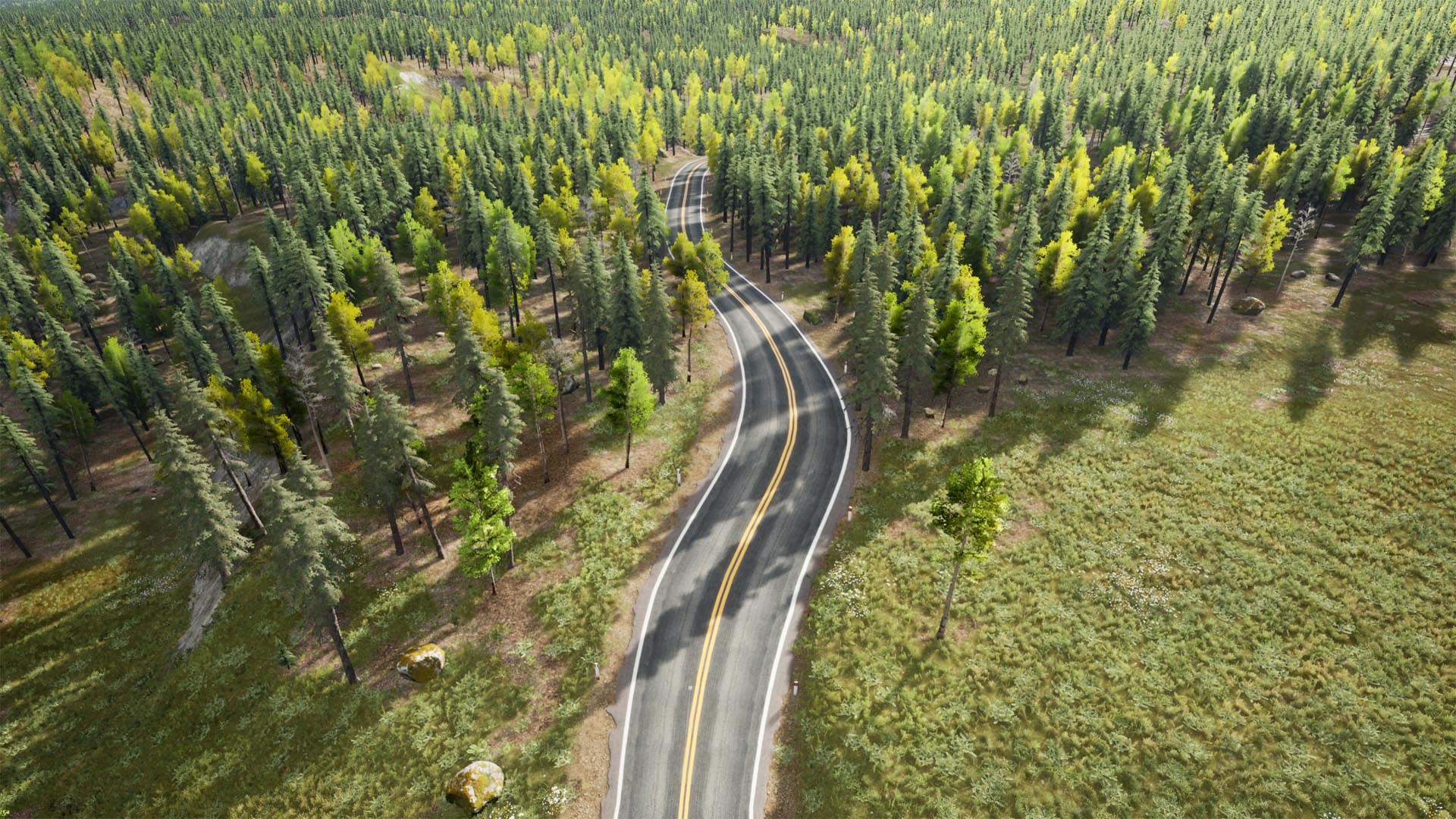
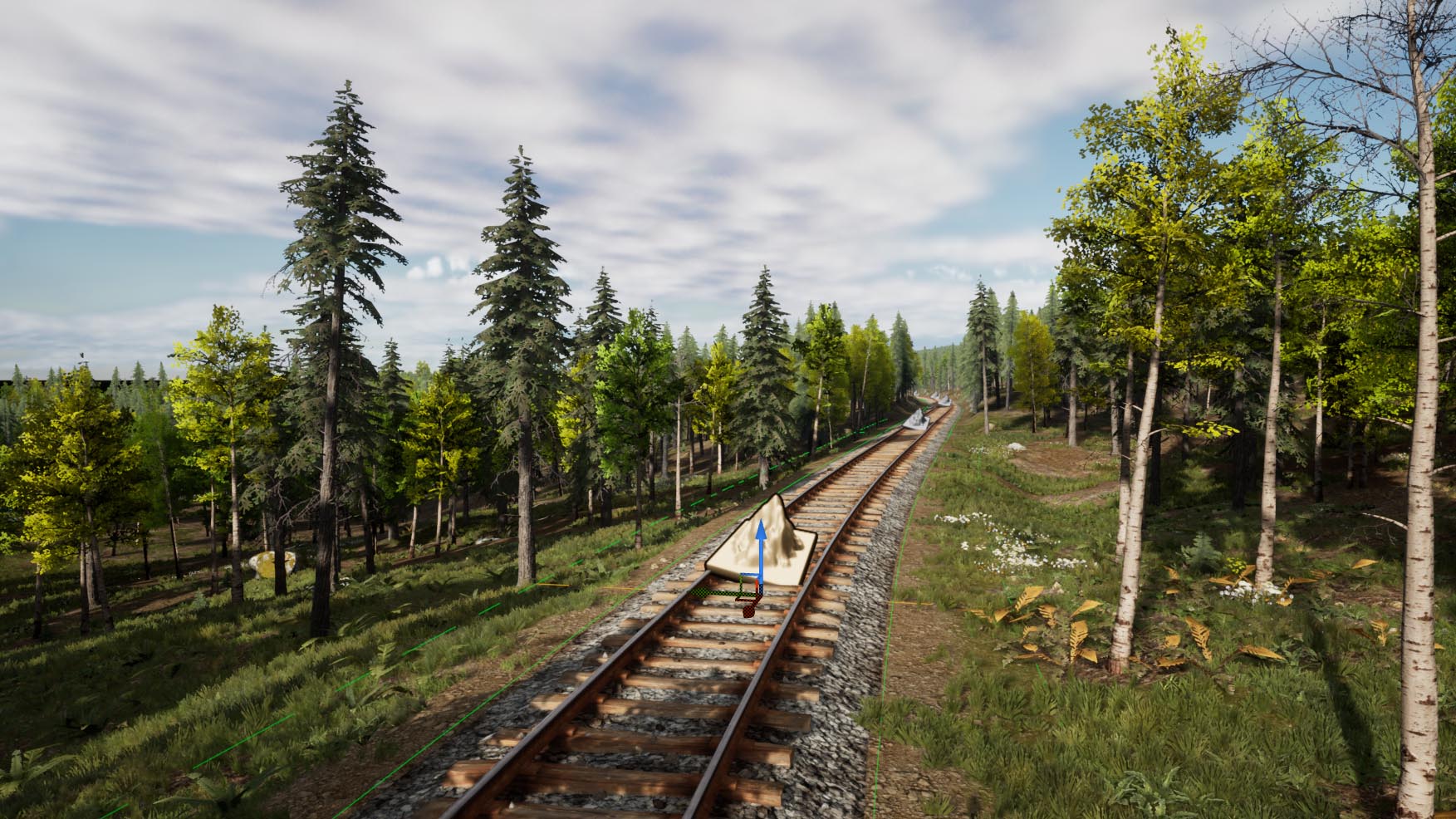
Unreal Engine's landscape spline system is designed to help you create linear features in your landscape (natural and man-made) that fit with the terrain. TerraForm PRO imports your road maps (or other GIS vector data) directly into landscape splines, making it quicker and easier than ever to place large and small scale features accurately.

Blend Everything into Your Landscape

With just 1-click, you can blend your landscape's terrain to meet your landscape splines - non-destructively if you prefer. You can automatically mask the landscape's material layers below features to remove vegetation and replace surface textures - ensuring maximum realism with minimum fuss.

Use Attributes to Set Import Options

GIS data attributes (the width of a road, its surface material, the number of lanes, street lighting, etc.) can be used to select meshes to place along segments, or at the control points of landscape splines. They can also be used to set import parameters - reducing development time and ensuring the accuracy of the part of the world you're recreating.

Edit, Modify and Fine-Tune Effortlessly

Visualising a future construction project? GIS data a bit out-of-date? Are there places it doesn't quite fit with other stuff, or with the terrain? Then just edit it. TerraForm PRO works with Unreal Editor's built-in editing tools, so you can move, rotate, scale, replace meshes and re-blend any data you've imported.

A Walk in the Park.

Step by Step Tutorials to Guide You.

Place Infrastructure, Utilities, Signs and Other Actors in a Single Process

Import Points to Place Actors

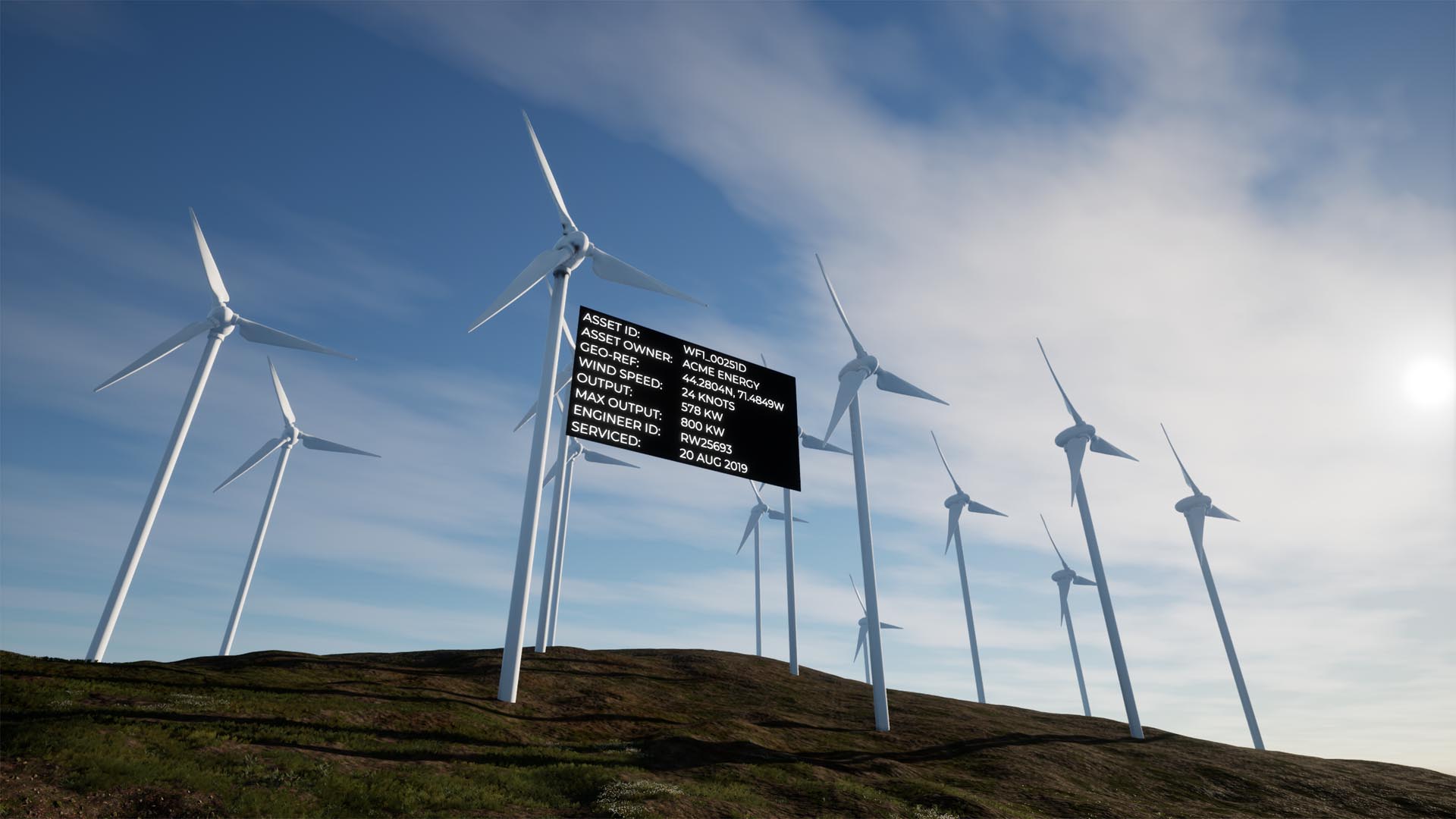
Need to place infrastructure or utility assets? Want labels on buildings or local amenities? TerraForm PRO can use your GIS points to create UE4 actors exactly where you need them to be. In bulk and in a single process.

Set Options & Variables with Attributes

Names, widths, heights, rotations, numbers, text, URLs, mesh objects, blueprint classes, service dates, engineers, owners, addresses, phone numbers, colors, etc. TerraForm PRO can import all your data's attributes directly into each UE4 actor and store it for display or retrieval.

Use GIS Data in Blueprints to Add Anything & Everything Else

Stay in Touch.

TerraForm PRO is Evolving Rapidly, so Keep Up...